
Free BE ME phone wallpapers
We look at our phones hundreds of times a day.
What if each glance became an invitation to pause, come home and reconnect with yourself.
Instructions for adding your wallpaper to iPhone or Android are below.






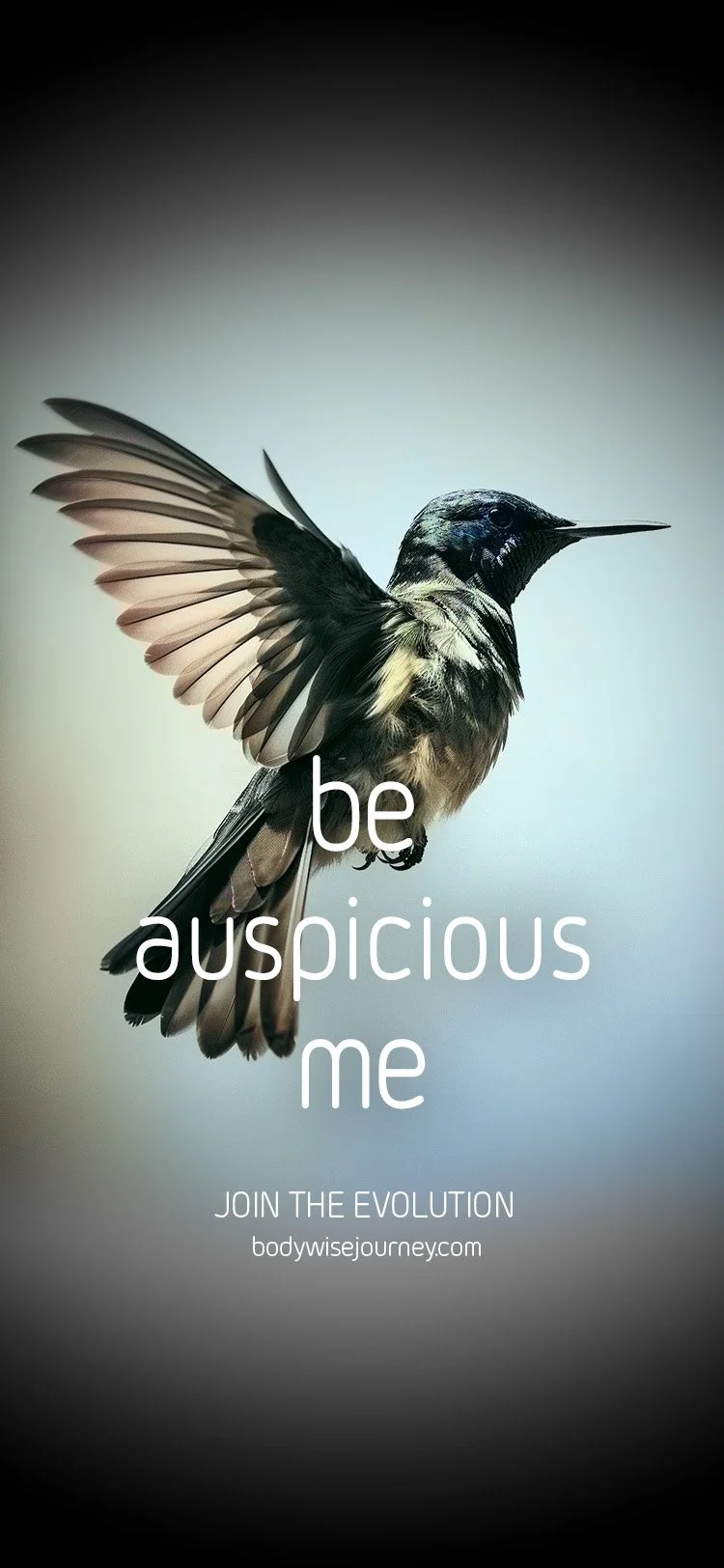


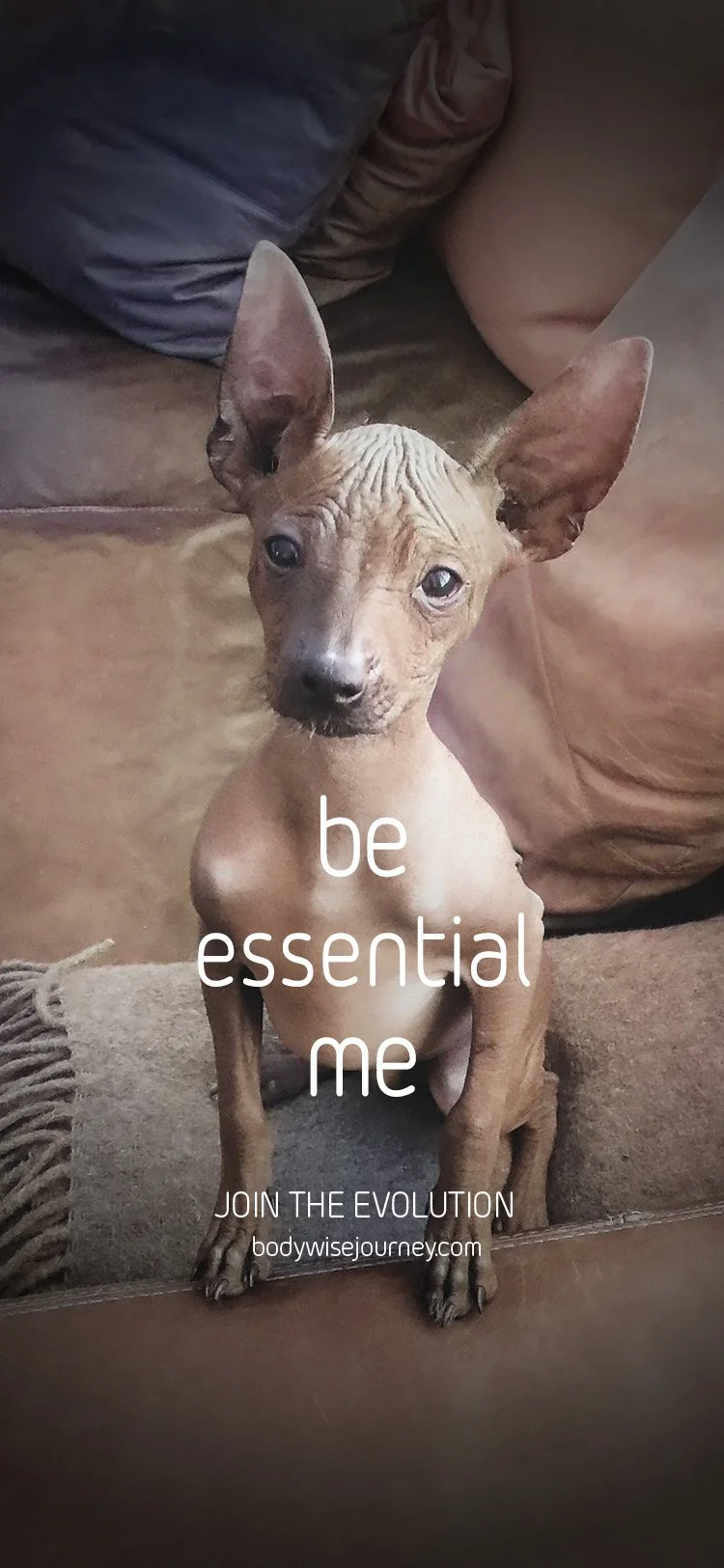


iPhone instructions
Open this page on your phone.
Hold your finger on the image until the option to “Save to Photos” appears, then tap it.
Go to Settings and scroll down to Wallpaper.
Tap Add New Wallpaper.
Select Photos and choose your new BE ME wallpaper, then tap Add in the top right.
Tap Customize Home Screen, select Photos, choose the same or a different BE ME wallpaper, then tap Done.
(Optional) Remove apps from your home screen for a clean page.
Android instructions
Open this page on your phone.
Hold your finger on the image until the option to Download Image appears, then save it. It will appear in your downloads folder.
On your home screen, touch and hold an empty space.
Tap Wallpapers.
Choose a category or select My Photos to use your downloaded image.
Select the image and tap Set Wallpaper.
Choose where to display it: Home Screen, Lock Screen, or Both.
(Optional) Remove apps from your home screen for a clean page.
Stay connected
Get grounded insights and embodied practices to support your shift from survival into authentic being